AI Assistant
NL2SQL, diagnosis, EXPLAIN, Chat, smart filters
Charts
Smart recommendations, five chart types, PNG/SVG export
Workflow
Cross-database orchestration, AI-powered, reusable flows
MCP Server / Client
Plug your databases into Claude, Cursor and other AI agents
Databases
PG / MySQL / SQLite / Redis / plugins
MCP Server & Client
Your databases, as tools for AI agents
DataZen includes a built-in MCP (Model Context Protocol) server. Point Claude Desktop, Cursor or any MCP-compatible agent at it, and they can inspect schemas, run queries, read EXPLAIN plans — even trigger whole workflows.
- MCP server: expose database operations, schema inspection, EXPLAIN and workflows as MCP tools
- MCP client: connect external MCP servers and call their tools from inside DataZen
-
Headless mode: run with
--mcp-stdioon servers, scripts or CI — no UI required - Credentials stay local: agents talk to DataZen; passwords remain in your OS keychain
- Persistent connections: agents address saved connections by ID instead of raw connection strings
Claude / Cursor / AI Agent
        │  natural language
        ▼
     MCP protocol
        │  tools · resources · prompts
        ▼
     DataZen (local)
        │  queries · schema · EXPLAIN · workflows
        ▼
PostgreSQL · MySQL · SQLite · Redis …
Setup guide: MCP server & client in the README
SQL Editor
Built for everyday queries
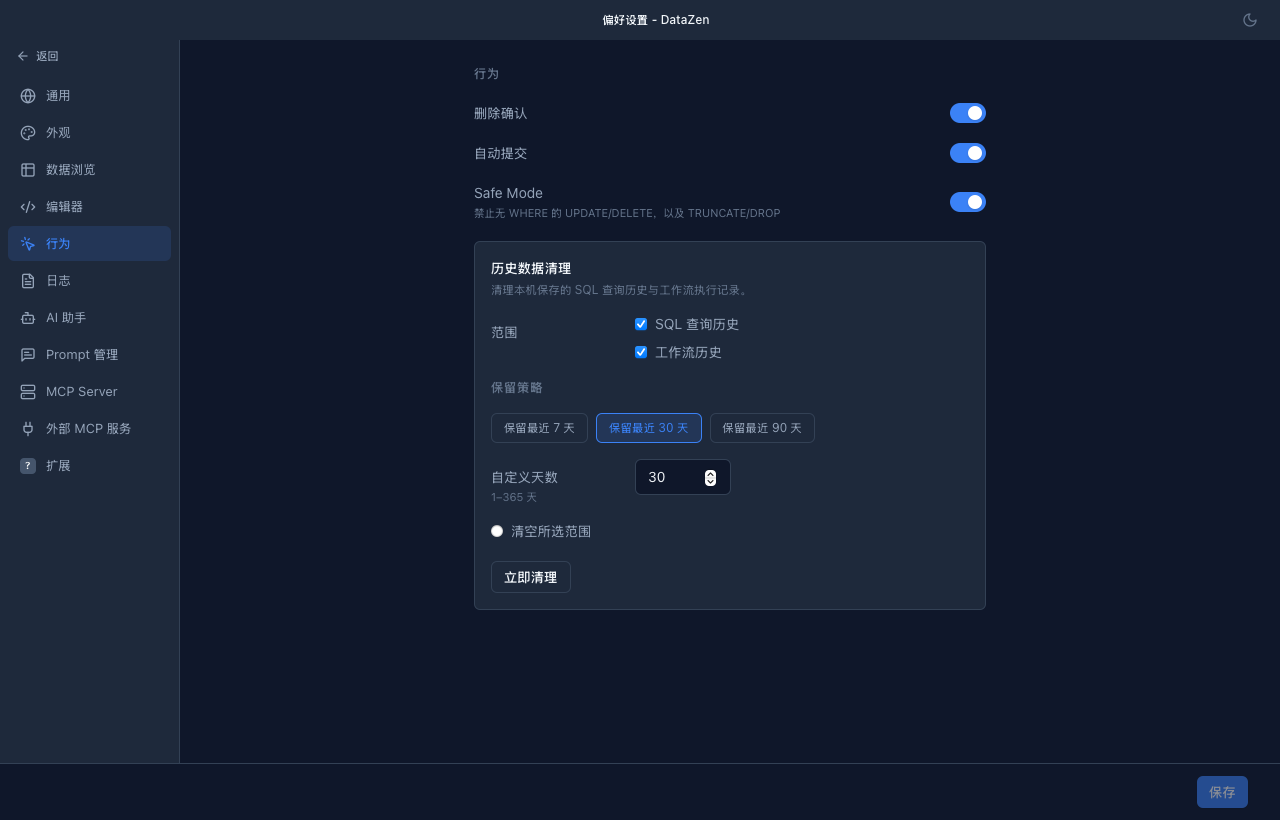
- Syntax highlighting + table/column autocomplete
- Multi-statement execution, query history, and favorites
- SQL dialect auto-switches by connection type
- Configurable result limits — large result sets won't freeze the UI
Data Browse & Edit
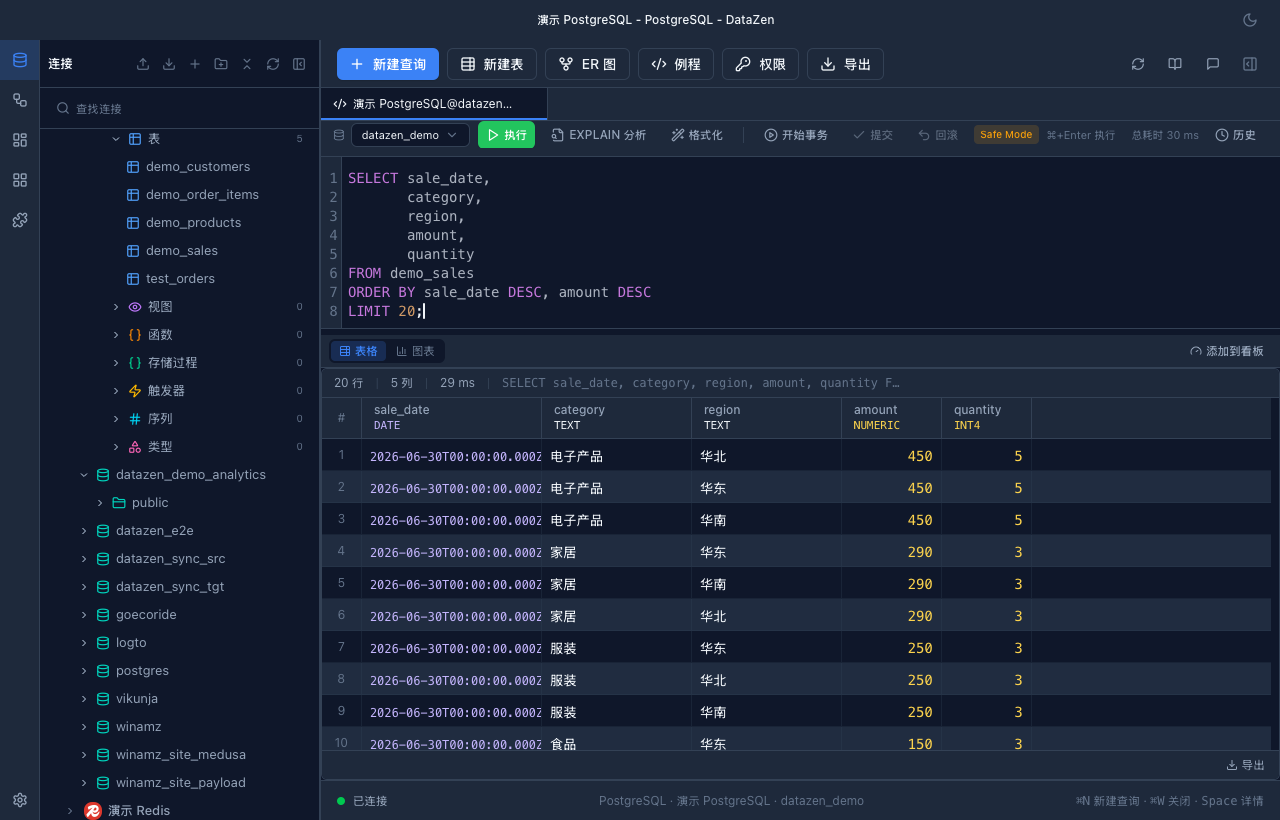
Large tables stay usable
- Virtual scrolling keeps large table views responsive
- Inline editing, safe batch delete, transaction support
- Sort, filter, and pagination work together
- Export CSV / JSON / SQL; import the same formats
Backup & Sync
Your data, under control
- One-click SQL backup: Schema-only / Data-only / Gzip
- Full app data export (including config), atomic writes + ZIP bomb protection
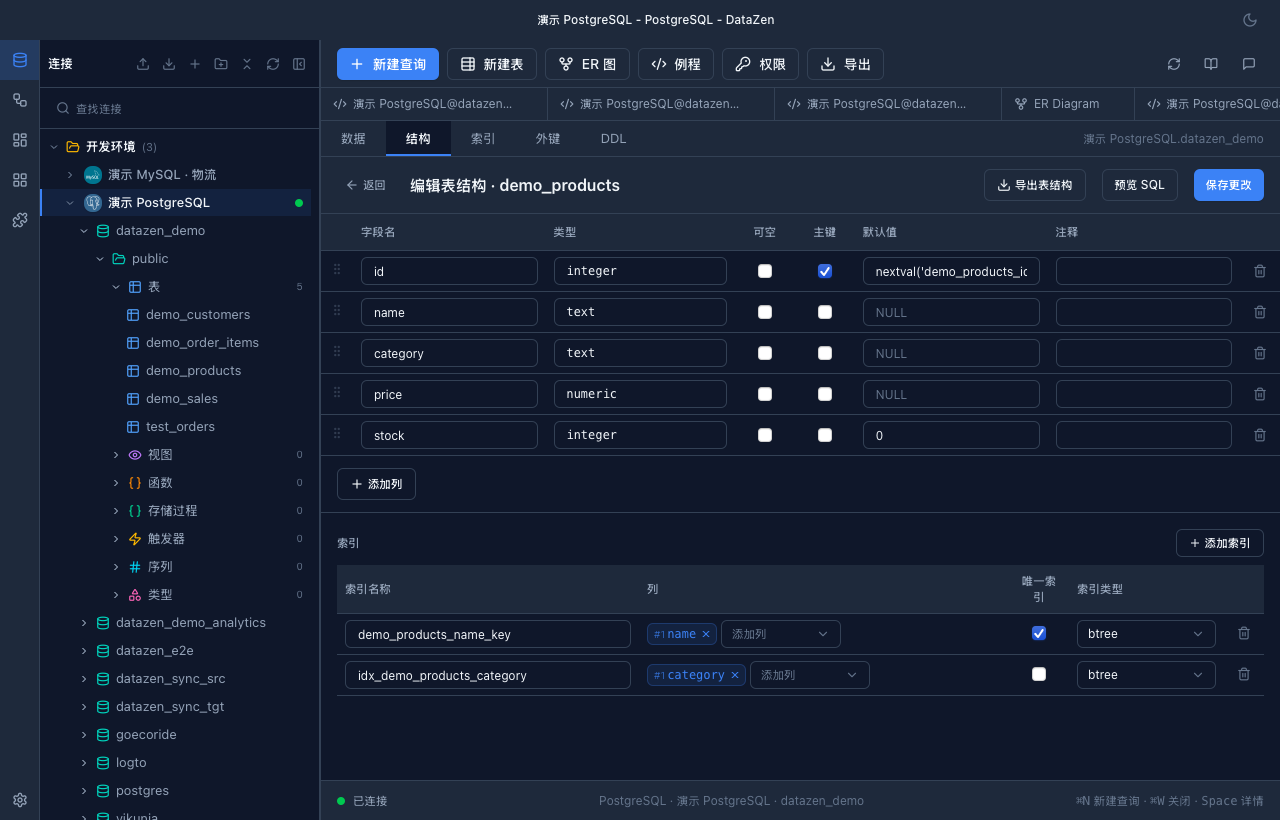
- Data Sync — row-level diff within the same dialect family when structure & PK match
- Data Transfer — heterogeneous one-way migration with a six-step wizard (structure and/or data)
- Schema Diff — five-step wizard to compare structure and deploy controlled DDL (additive by default)
- Backup packages automatically exclude key files
Security & Privacy
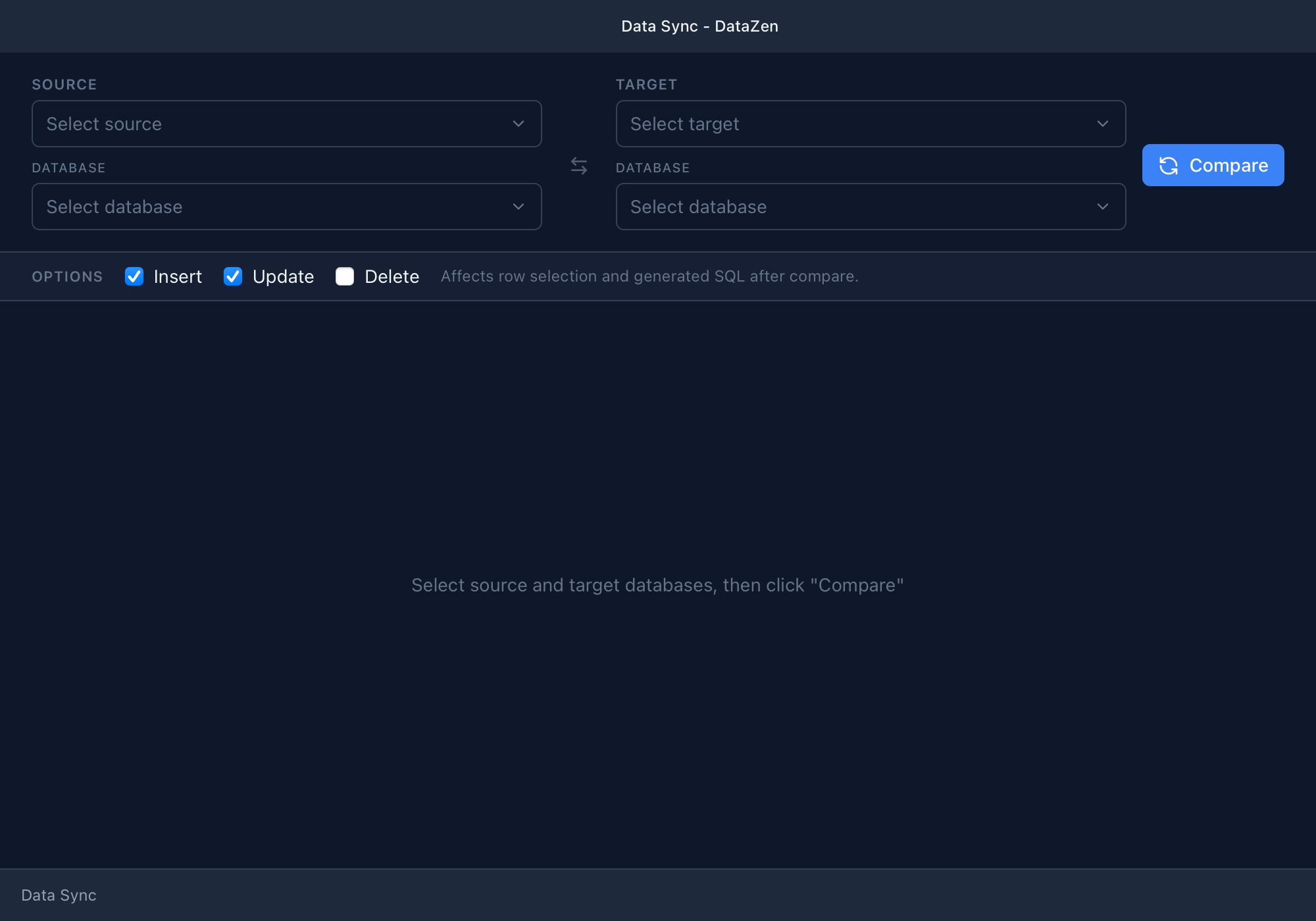
Secure by default
- Connection passwords encrypted at rest; master key in system keychain
- SSH credentials encrypted; host key verification on first connect
- Hardened local IPC; file access restricted to trusted paths
- SQL and natural-language requests not logged at info level by default